A communications system built from dioceses’ feedback.
When you’re extremely busy, even a morsel of help can make the world of difference[.
Engage your school community with one simple system and a lot of useful support.
A simple communications solution for stretched school staff.
Engage in your child’s education and feel fully connected.
Helping parents and guardians grow their businesses through school communities.
Delivering the clear, consistent communication that is central to community connection.
Purpose-built sites for the education sector.
A communications platform balancing central governance with individual school identity.
Manages image consent, access and removal to protect students.
Send consistent communication at the touch of a button.
A parent mobile app for 2-way communication.
Translating words and their context for inclusive communities.
Parent-teacher booking system improved through school feedback.
Schoolzine began with a simple belief: when parents are engaged in their child’s school life, students do better. Nearly two decades on, that belief still guides everything we build.
Schoolzine worked closely with the school to integrate a responsive digital newsletter, mobile app and website — all aligned with the school’s branding and supported by an easy-to-use CMS.
Schoolzine worked closely with the principal and leadership team to integrate one platform for parent and community engagement: an accessibility-compliant, responsive digital newsletter, mobile app and custom-built website.
School teams, like parents, are busy people, so it was important to choose a provider that offered multiple channels without duplication of effort.
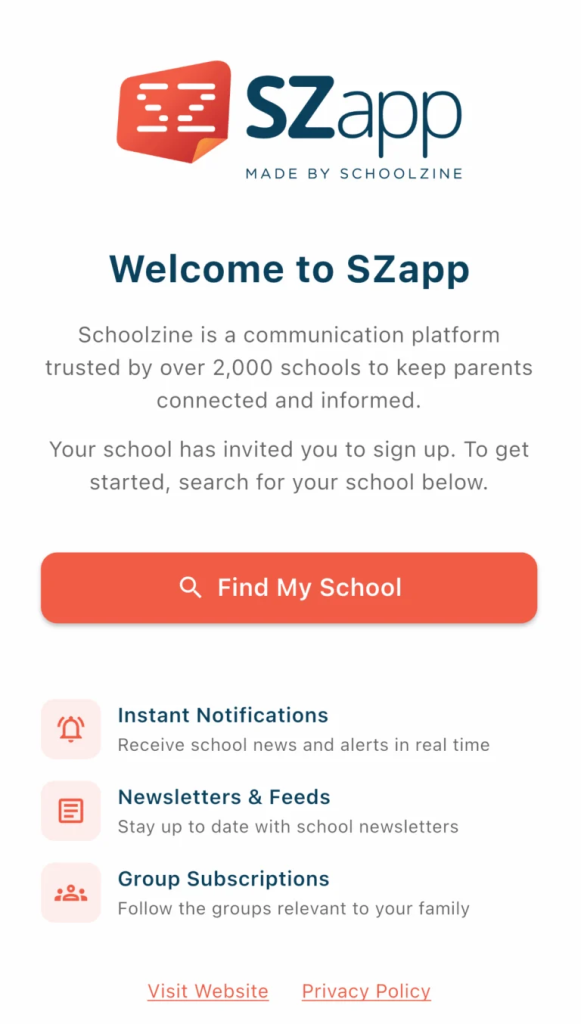
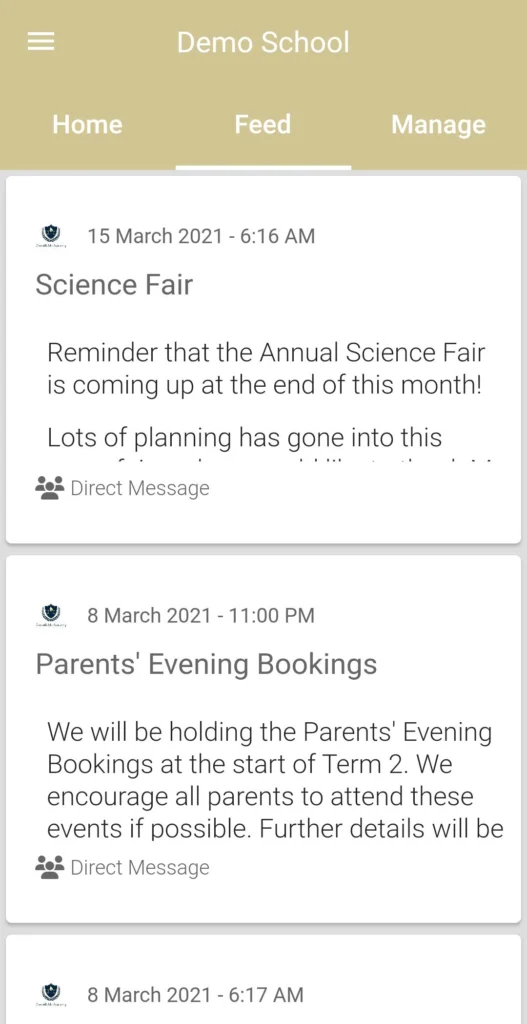
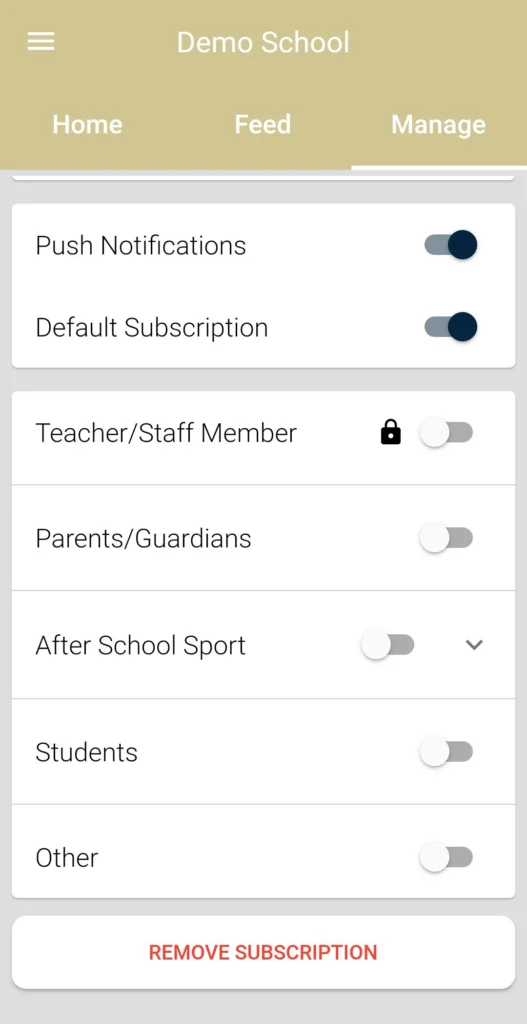
Keep your school community at your fingertips with SZapp. Access the latest school news, important notices, events, newsletters and notifications—all in one convenient app.
Tap Find My School
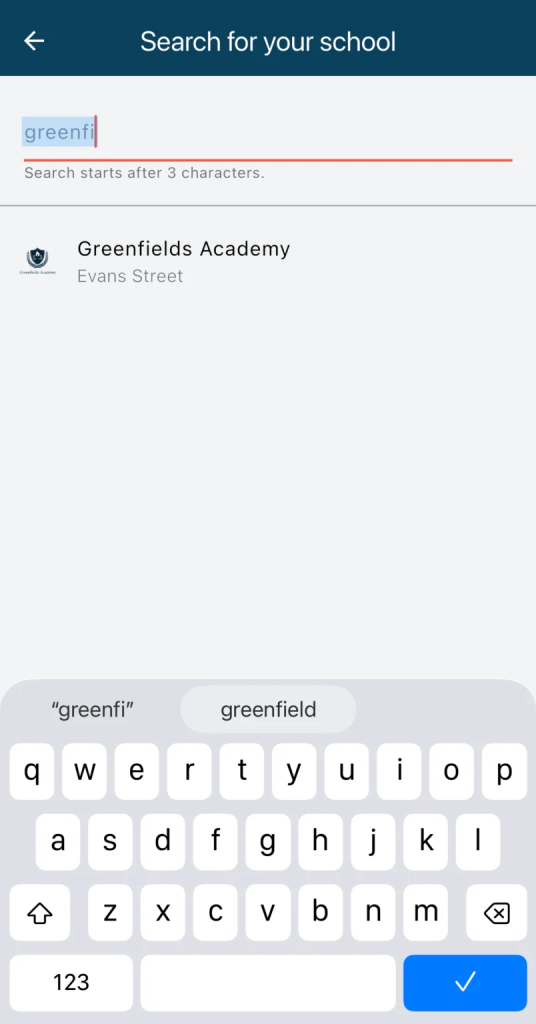
Search for and select your school
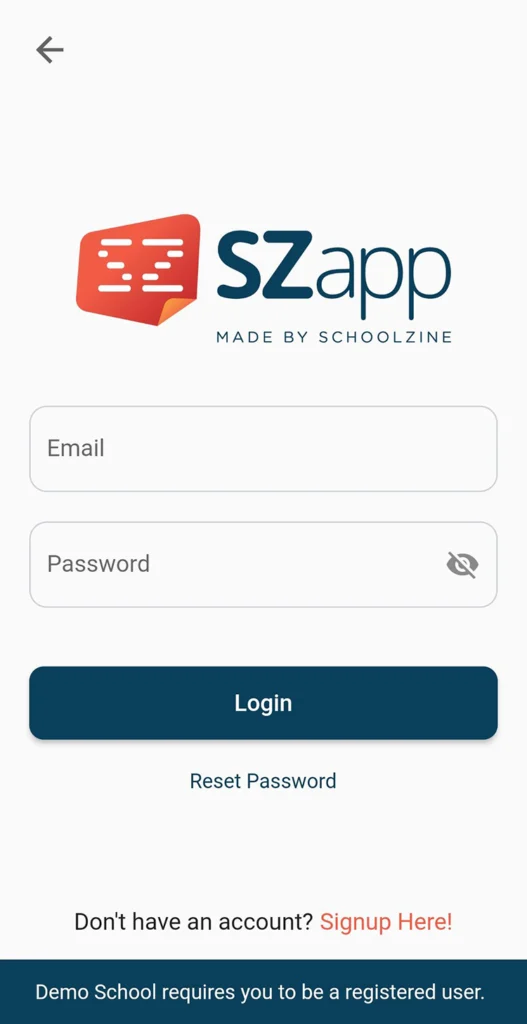
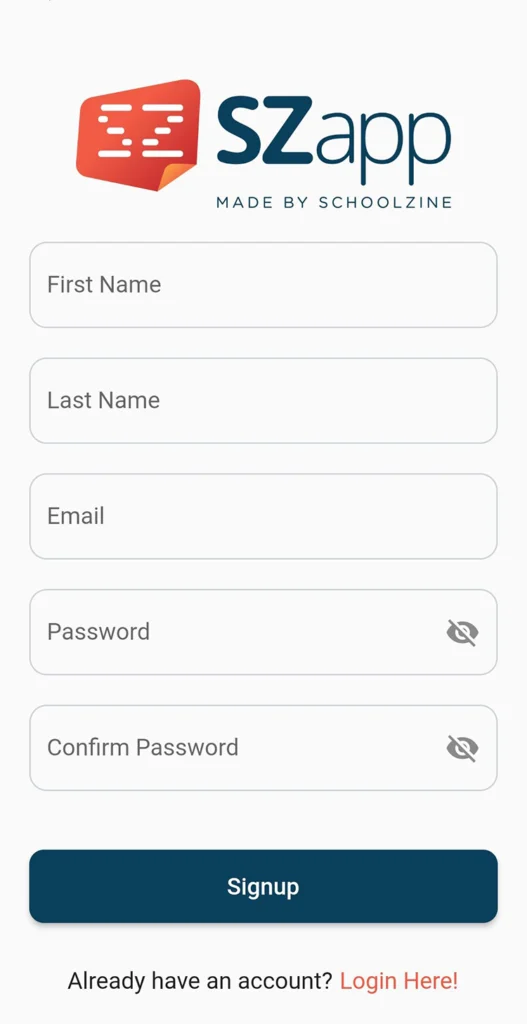
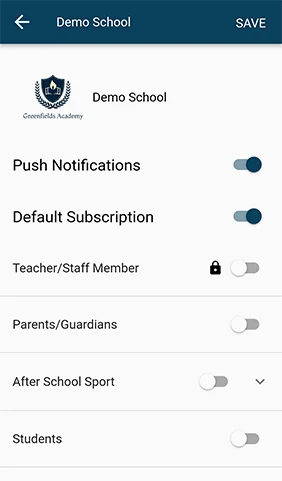
To subscribe, you will need to login or register.